
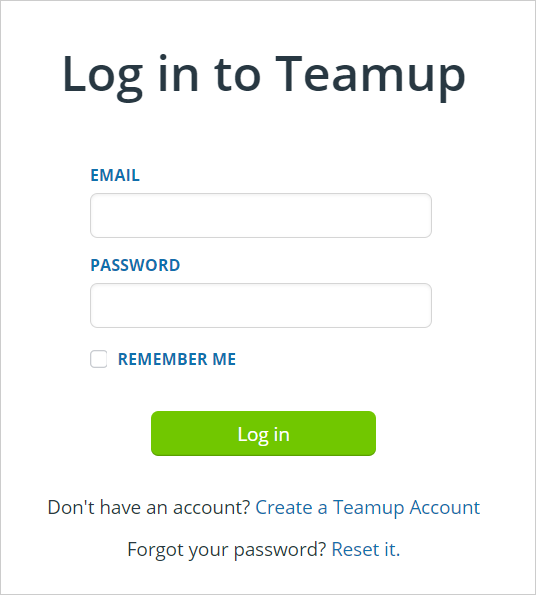
A Teamup user account is your personal login, tied to your e-mail address and password. Teamup user accounts provide better security and unlock the most powerful Teamup experience, including a personal calendar dashboard, syncing across devices, event reminders, and customized notifications. A user account is free and offers benefits for both calendar administrators and individual users.
If you don’t have a Teamup user account yet, you can create one.
Benefits of a user account
Create calendars
To create a new calendar, you must be a registered user. This is for administrative and security reasons.
Calendar dashboard
Once you create a user account, you can log in and access your Teamup calendars from your calendar dashboard. If you’re been added as a user to other calendars, they will also be on your dashboard.
Stay synced
With a Teamup user account, you can log in on your desktop browser, or download the Teamup app and sign in to access the calendars on your dashboard anywhere.
Set event reminders
With a user account, you can personalize how Teamup keeps you updated, including reminders for upcoming events, sent by email at a specified time before an event starts.
Manage change notifications
With a user account, you can create and manage change notifications, which allow calendar users to be notified when changes are made to events on the calendar.
ℹ️ Learn more