
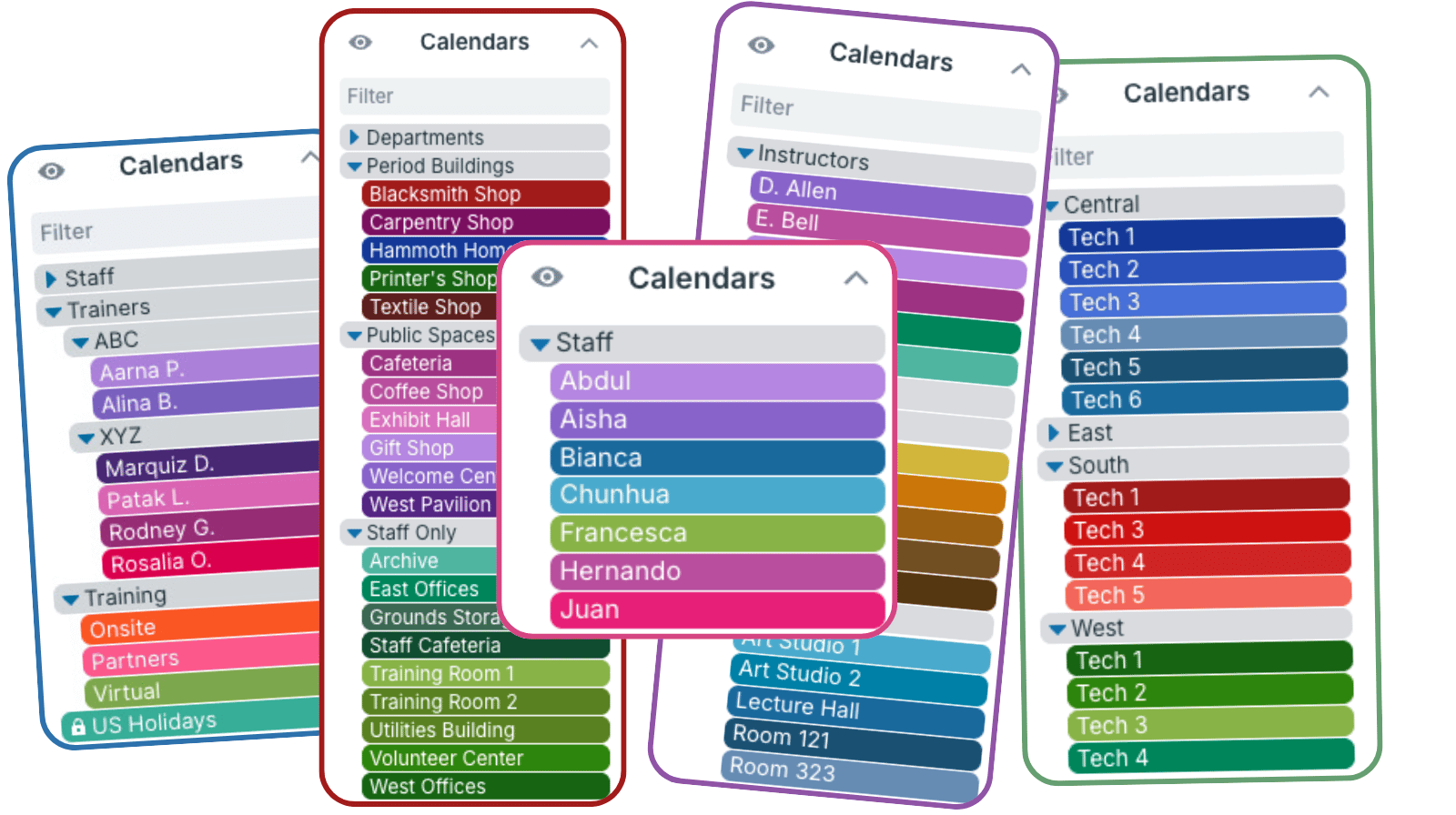
What is a sub-calendar?
A master calendar is the whole calendar. Sub-calendars are the individual calendars inside it. A master calendar always has at least one sub-calendar and can have many more.
- Sub-calendar limits by plan: Each subscription allows a different number of sub-calendars, starting with 5 sub-calendars on the free plan and 150 on the Enterprise plan.
How to use sub-calendars
The calendar administrator can create and organize sub-calendars. Sub-calendars have access control, automatic conflict prevention, and color-coding built in.
▶️ Create and Organize Sub-Calendars
▶️ 7 Teamup Essentials: Sub-Calendars
▶️ Organize Sub-Calendars in Nested Folders
▶️ Toggle Which Sub-Calendars Are Visible
▶️ Turn on Automatic Conflict Prevention
Sub-calendars can be added, organized, and adjusted as a team or organization grows. They can be deactivated or reassigned when projects end or roles change. That flexible structure makes Teamup easy to customize and scale.
Manage access to sub-calendars
Sub-calendars can be shared selectively with calendar users. Permissions for each user are set at the sub-calendar level by the calendar administrator:
- Choose which sub-calendars each user can access: All or Selected.
- Assign permission levels: Select the appropriate permission level for each sub-calendar shared.
▶️ Manage User Access to Each Sub-Calendar
Learn more about sub-calendars
ℹ️ How to Use Color-Coded Sub-Calendars
ℹ️ Share Only Selected Sub-Calendars
ℹ️ Master Calendars and Sub-Calendars
ℹ️ Bulk Creation of Sub-Calendars, Links and Groups